
To clarify, you do not need a YubiKey to complete this tutorial, you can use any three signer wallet accounts and authorize the transactions using any signing method you like including the WebAuth Wallet mobile app.
While creating each mysafeX account on WebAuth:
- Plug in your YubiKey
- Create a WebAuth.com account with that YubiKey
- Label the physical key with the account name (e.g., “mysafe1”)
- Attach it to a keyring and store it somewhere secure
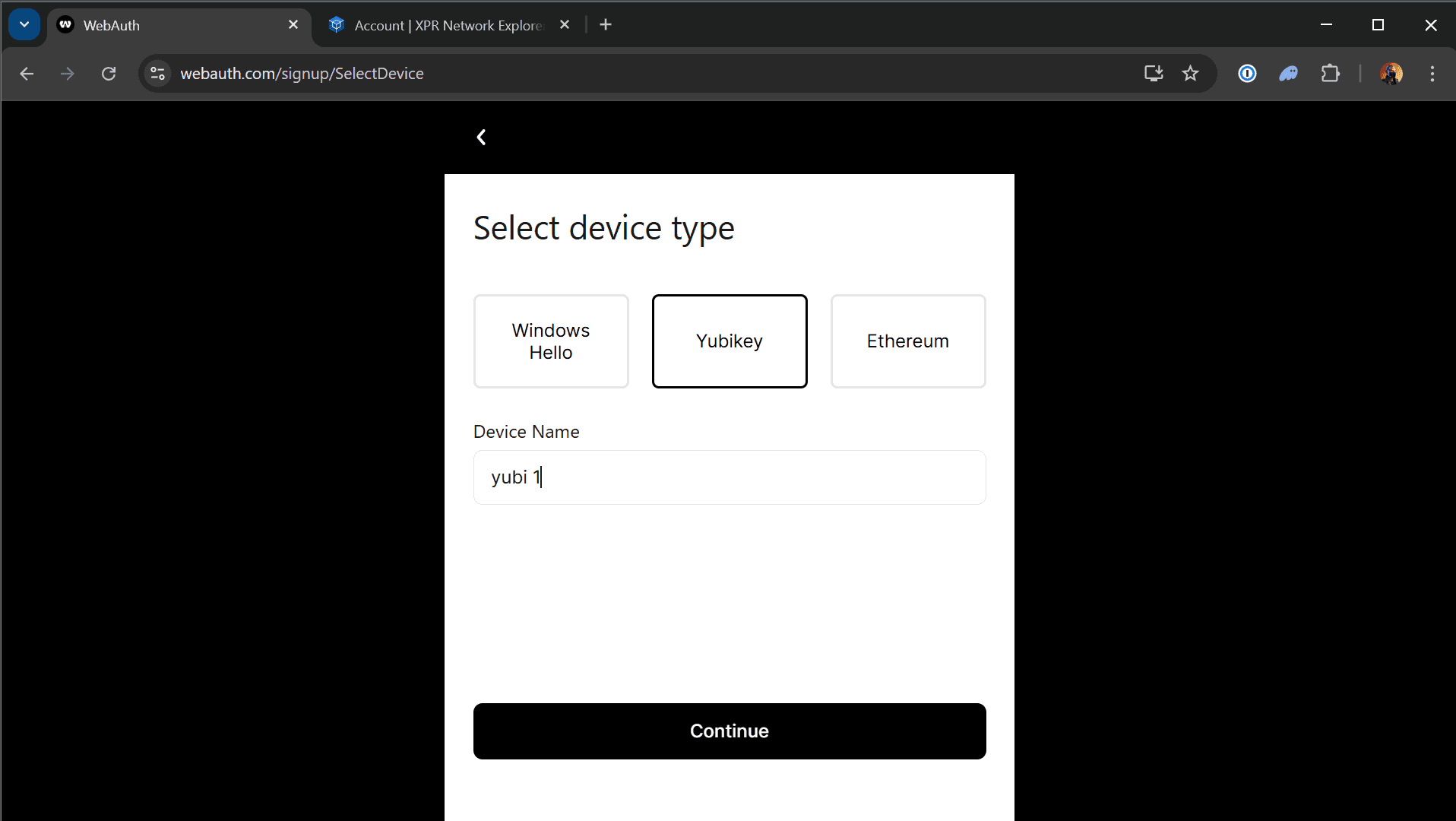
Why YubiKey? It’s hardware-level security — phishing-resistant, portable, and ultra-secure.
Each signer account should be completely isolated, with its own device, its own key, and its own physical backup.
If you have any questions about this guide or just want to say “Hi”, follow our Metallicus Client Services Help Center on X (@MetalHelpsMe) to stay up to date and learn how to get the most out of your XPR Network experience!
Comments
0 comments
Article is closed for comments.