
NOTE: You are welcome to use three existing accounts for this msig setup, but for this particular tutorial we are creating new accounts to keep it easy to understand.
Go to https://webauth.com and create three new accounts:
mysafe1mysafe2mysafe3
Pro tip: Use simple names so you remember their purpose as these are your safekeepers or signers.
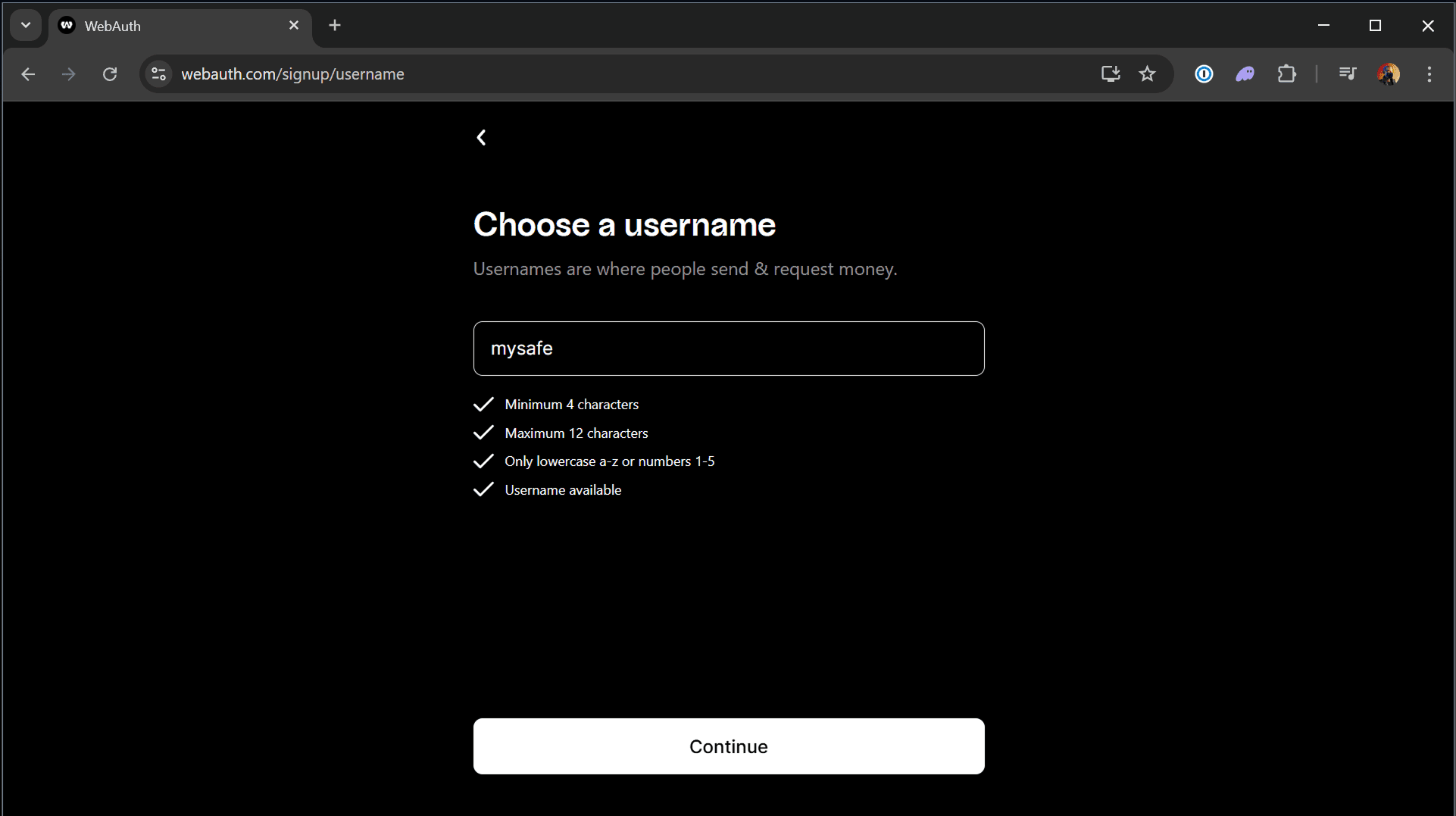
During creation:
- Write down each seed phrase and store them offline
- Do NOT keep all three in one place - that literally defeats the purpose
- Store each seed in a different secure location (safe, vault, safety deposit box, etc.)
- Select YubiKey as the device type (see below)
If you have any questions about this guide or just want to say “Hi”, follow our Metallicus Client Services Help Center on X (@MetalHelpsMe) to stay up to date and learn how to get the most out of your XPR Network experience!
Comments
0 comments
Article is closed for comments.